
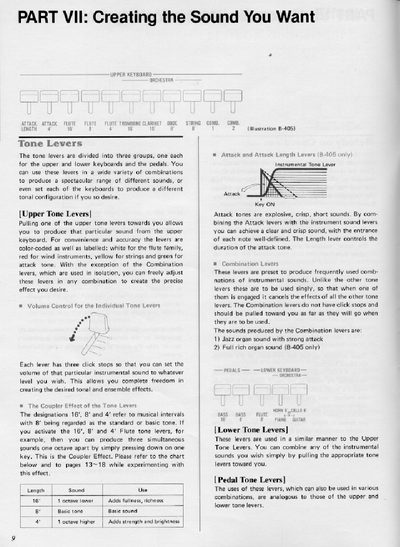
This document provides instructions for the Yamaha B-205 Electone, focusing on the 'Creating the Sound You Want' section. It details the operation of upper, lower, and pedal tone levers, explaining how to combine them to produce specific instrumental sounds like flute, clarinet, and strings. The guide covers volume control, the coupler effect, and the use of attack and combination levers.
| Maximum simultaneous sounds (upper/lower) | seven sounds |
|---|---|
| Maximum simultaneous sounds (pedals) | one sound |
Normal vibrato starts immediately when a note is played, while delayed vibrato starts some time after the note has been played.
Activating the 16', 8', and 4' Flute tone levers allows you to produce three simultaneous sounds one octave apart by simply pressing down on one key.
A maximum of seven sounds may be produced on both the upper and lower keyboard at one time.
Pushing the Pedal Sustain lever down towards the 'Long' position applies a desired fadeout to the sound generated by the Pedal Tone Levers.