
This is supplemental information for DTX500 version 1.2
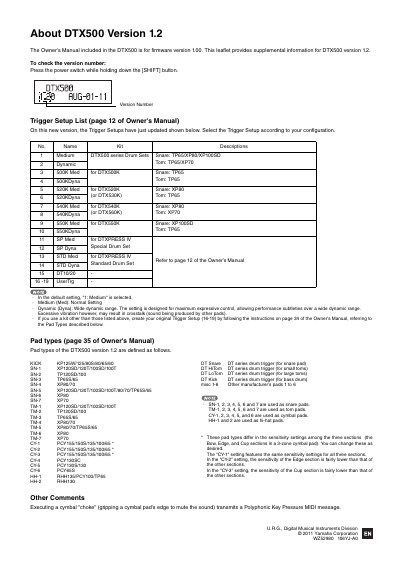
This document serves as a supplemental guide for the Yamaha DTX500 electronic drum kit, specifically for firmware version 1.2. It explains how to check the firmware version and outlines the updated Trigger Setup configurations available for various drum kits and configurations.
The leaflet defines specific pad types (KICK, SN, TM, CY, HH) corresponding to different drum triggers and cymbal pads. It also describes the sensitivity settings for cymbal pads, distinguishing between standard, edge-sensitive, and cup-sensitive configurations.
| Firmware Version | 1.2 |
|---|---|
| Default Trigger Setup | 1: Medium |
| Manufacturer | Yamaha Corporation |
Press the power switch while holding down the [SHIFT] button.
Medium is the normal setting, while Dynamic is designed for maximum expressive control over a wide dynamic range.
In the CY-2 setting, the sensitivity of the Edge section is fairly lower than that of the other sections.