
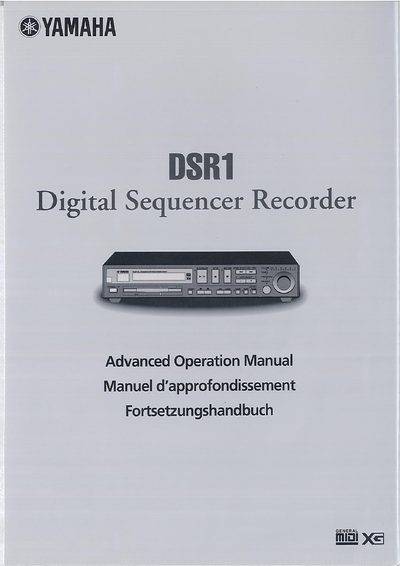
This document serves as an advanced operation guide for the Yamaha DSR1 Digital Sequencer Recorder. It details procedures for using internal memory disks and floppy disks (3.5 inch MS-DOS formats) to record and store songs in SMF or E-SEQ formats.
The manual provides comprehensive instructions on basic recording functions, including song titling, tempo changes, and metronome usage. It also covers advanced features such as recording Left/Right split tracks, ensemble songs with overdubbing, track editing (mixing, moving, copying), and MIDI integration for controlling external instruments or computers.
| Floppy Disk Format (2DD) | 3.5 inch MS-DOS 720 Kbyte format |
|---|---|
| Floppy Disk Format (2HD) | MS-DOS 1.44 Mbyte format |
Yes, songs can be recorded and stored on either the DSR1's internal Memory Disk or on floppy disks.
If no floppy disk is inserted, the DSR1 automatically records the song onto the internal Memory Disk.
Yes, it can be reformatted as an E-SEQ type disk or back to SMF type, but this erases all data previously stored on the disk.