
This document is the Yamaha GA-15 guitar amplifier user manual, which details the features and usage methods of the product.
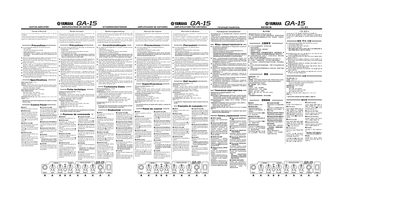
The Yamaha GA-15 is a compact guitar amplifier featuring two channels: DRIVE and CLEAN. The unit allows users to adjust distortion levels via the DRIVE-GAIN control and switch between modes using the DRIVE/CLEAN switch. It also includes independent volume controls for each channel, as well as three-band equalization (Treble, Middle, Bass) to shape the tone.
| Rated Output Power | 15 W |
|---|---|
| Speaker Size | 16.5 cm x1 |
| Dimensions (WxHxD) | 295x300x190 mm |
| Weight | 5 kg |
Depress the DRIVE/CLEAN switch to engage the DRIVE mode and add distortion.
The indicator lights up when the amplifier is turned on (ON).