
This manual introduces the functions, operational flow and usage of the mLAN Graphic Patchbay software.
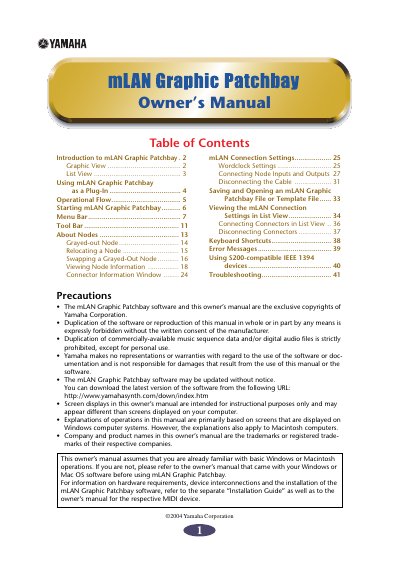
The mLAN Graphic Patchbay is a software tool that enables users to set up, view, and manage virtual audio and MIDI connections between mLAN network nodes. It provides both a graphic interface for visualizing the system configuration and a list view for modifying connection statuses.
Users can operate the software as a standalone application or as an Open Plug-in Technology (OPT) compatible plug-in within music sequencers. The manual covers operational flows, starting procedures on Windows and Macintosh systems, menu functions, node management, wordclock settings, and troubleshooting.
Yes, it can start as either stand-alone software or as a plug-in for an Open Plug-in Technology compatible application.
Open the "mLAN Tools" folder and click the "mLANGraphicPatchbay" icon.