
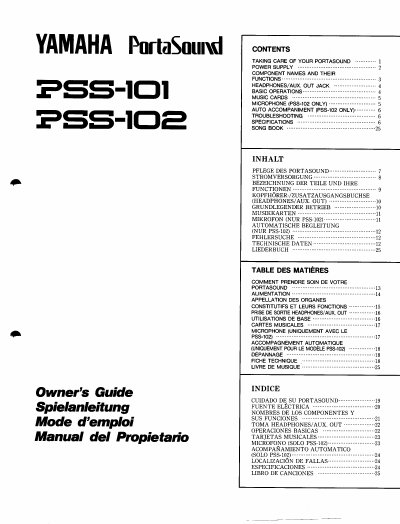
Yamaha PSS-101/102 PortaSound Owner's Guide


Yamaha PSS-101/102 PortaSound Owner's Guide - cover page
Brand
Yamaha
Document type
User Manual
Language
English
Pages
30
File format
PDF
File size
1.3 MB
Published
12 June, 2012
Updated
12 June, 2012
MD5 checksum
27E3271FFC84FE947F108A331DC8553C

About this manual

This manual provides instructions for operating the Yamaha PSS-101 and PSS-102 PortaSound electronic keyboards. It covers essential topics including taking care of the instrument, power supply options (batteries or AC adapter), component names, and basic operations such as inserting music cards and using headphones.

What's inside

  • TAKING CARE OF YOUR PORTASOUND
  • POWER SUPPLY
  • COMPONENT NAMES AND THEIR FUNCTIONS
  • HEADPHONES/AUX. OUT JACK
  • BASIC OPERATIONS
  • MUSIC CARDS
  • MICROPHONE (PSS-102 ONLY)
  • AUTO ACCOMPANIMENT (PSS-102 ONLY)
  • TROUBLESHOOTING
  • SPECIFICATIONS

Specifications

Main amplifier power0.7W
Speaker size7.7 cm (3 inches)
Power source (Batteries)9V DC (6 AA-size SUM-3, R-6 or equivalent batteries)

Frequently asked questions

How many music cards does the PSS-101 have?

The PSS-101 has 15 music cards.

What happens if I insert a music card before turning the instrument on?

The sensor will not read the card, so you must remove and reinsert it after turning the power on.

Can I use any AC adapter with this keyboard?

No, you must only use a Yamaha PA-1, PA-1B, or PA-3 Power Adaptor.

Download PDF (1.3 MB)

More Yamaha Manuals


View all Yamaha manuals →