
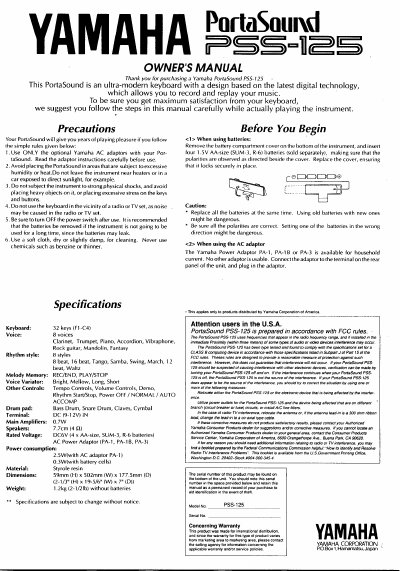
This document is the owner's manual for the Yamaha PortaSound PSS-125, a 32-key digital keyboard. It provides instructions on using batteries or an AC adaptor, selecting voices and rhythms, and utilizing voice variators to change tone quality.
The guide details how to use the Auto Accompaniment section to play chords with rhythm accompaniment, operate the drum pads for percussion sounds, record melodies in Melody Memory mode, and adjust tempo and volume settings.
| Keyboard | 32 keys (F1-C4) |
|---|---|
| Voices | 8 voices |
| Rhythm styles | 8 styles |
| Main Amplifiers | 0.7W |
| Speakers | 7,70m (4 OD) |
| Rated Voltage | DC6V |
| Weight | 1.2kg without batteries |
Use only optional Yamaha AC adaptors, avoid excessive humidity or heat, and do not subject the instrument to strong physical shocks.
You can play up to 6 notes at a time; pressing more than that will cause the first key pressed to stop sounding.
No, drum sounds cannot be recorded.
You can only record one note at a time, and up to 53 notes can be recorded in total.