
Yamaha PSR-2100/1100 Accessory CD-ROM Installation Guide

This document is a Yamaha PSR-2100/1100 accessory CD-ROM installation guide that introduces the software and installation methods included in the CD-ROM
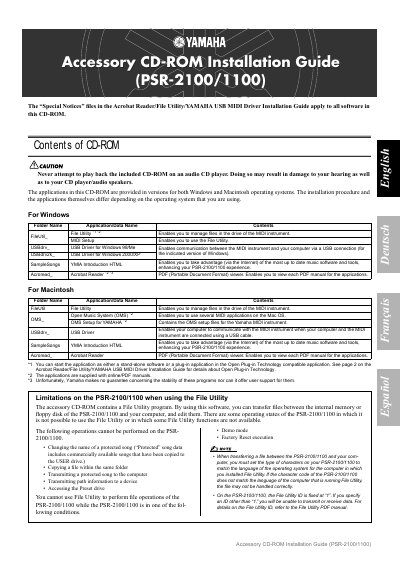

Yamaha PSR-2100/1100 Accessory CD-ROM Installation Guide - cover page
Brand
Yamaha
Document type
Other
Language
English
Pages
2
File format
PDF
File size
37 KB
Published
12 June, 2012
Updated
30 September, 2023
MD5 checksum
569AC4AE0E22FC6BAECA3E4B24AEEFEE

About this manual

This document serves as an installation guide for the software included on the accessory CD-ROM for the Yamaha PSR-2100/1100 digital keyboard. It details the contents of the disc, including the File Utility program, USB drivers, and sample songs, noting that specific applications differ between Windows and Macintosh operating systems.

What's inside

  • Contents of CD-ROM
  • Limitations on PSR-2100/1100 when using File Utility
  • CD-ROM Installation Procedure
  • Minimum System Requirements for Windows
  • Minimum System Requirements for Macintosh

Specifications

File Utility IDFixed at "1"

Frequently asked questions

Can I play the CD-ROM on an audio CD player?

No, never attempt to do so as it may result in damage to your hearing and equipment.

Can I change the name of a protected song using File Utility?

No, changing the name of a protected song is not possible.

Download PDF (37 KB)

More Yamaha Manuals


View all Yamaha manuals →