
Explains the usage of BODiBEAT, including how to connect the USB cable, charge, and load your own music
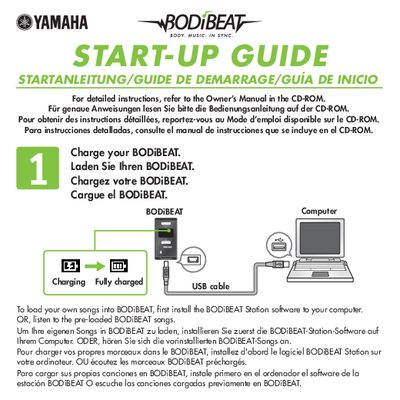
This document serves as a brief start-up guide for the Yamaha BODiBEAT, a wearable computer designed to play music in sync with walking or running. It directs users to install the accompanying software on their computer to load custom songs or use pre-loaded tracks.
The guide provides step-by-step instructions for initial setup and wearing the device. Users are instructed to strap the unit to their left arm, insert earphones, and attach a pulse sensor to their left earlobe. Once worn correctly, the user can walk or run at a steady pace; after maintaining that speed for 10 seconds, the BODiBEAT will automatically play a song matching their tempo.
The BODiBEAT is a computer designed to play songs that match your walking or running speed.
You must maintain your walking or running pace for at least 10 seconds.
You should place the BODiBEAT on your left arm.