
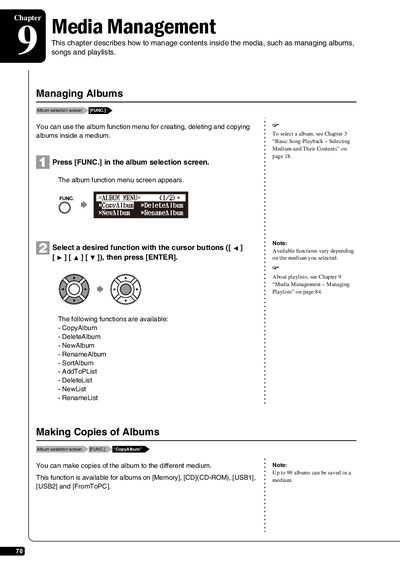
This chapter describes how to manage contents inside the media, such as managing albums, songs and playlists. It also explains how to copy, delete, and rename albums, as well as how to copy albums to different media.
This document provides instructions for managing media contents within the Yamaha Disklavier E3. It details procedures for creating, renaming, copying, and deleting albums stored in memory or on USB drives.
The guide also covers song management functions, including copying songs between albums, sorting tracks, and converting formats. Additionally, it explains how to organize playlists and rearrange the order of albums.
No, the RenameAlbum function is available only for albums on Memory.
Up to 999 songs can be saved in an album.
You can enter up to 64 characters for an album title.