
This chapter describes how to manage contents inside the media, such as managing albums, songs and playlists.
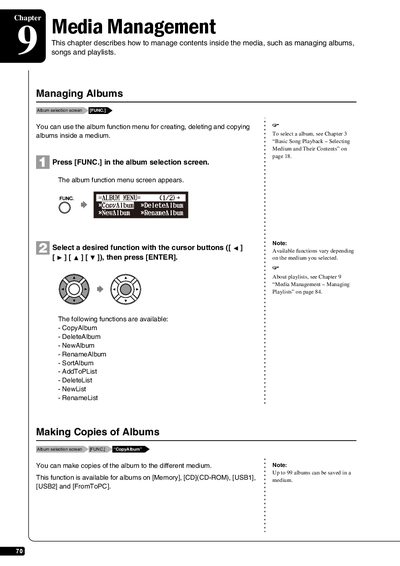
This chapter of the manual details the procedures for managing contents inside the media of the Yamaha E3 Disklavier. It covers operations such as selecting mediums, creating new albums, and organizing playlists.
The guide provides step-by-step instructions for specific functions available in the album and song menus. Users can learn how to copy albums or songs between different storage media (Memory, CD-ROM, USB1, USB2), delete unwanted items, rename tracks, and rearrange the order of albums.
| Maximum songs per album | 999 |
|---|---|
| Album title character limit | 64 characters |
Albums on Memory, CD-ROM, USB1, USB2, and FromToPC can be copied.
No, copy-protected songs such as PianoSoft songs cannot be copied to a removable medium.
The RenameAlbum function is available only for albums stored on Memory.