
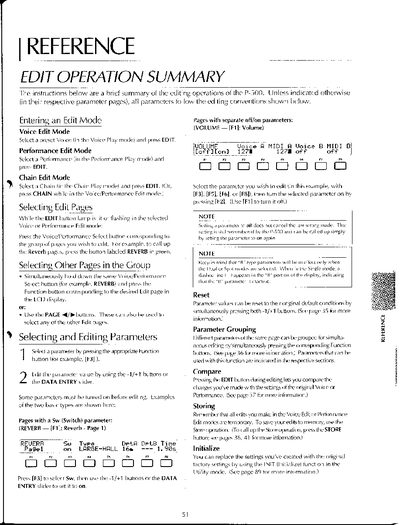
This document serves as a brief summary of the editing operations available on the Yamaha P-500. It covers entering different edit modes (Voice, Performance, Chain) and navigating to specific pages such as Reverb, Volume, and MIDI settings using the Voice/Performance Select buttons or PAGE buttons.
The guide details how to select and edit parameters using Function buttons and DATA ENTRY sliders. It explains specific editing conventions for various sections including Tone Generator (TG), Envelope Generator (EG), Vibrato, Graphic Equalizer, Effects, Modulation, Reverb, Volume, Voice Tune, Transpose/PB Range, Keyboard Sensitivity, Program Change, MIDI setup, Chain, System Setup, Utility Mode, and Wheel/CS/PS assignments.
Select a preset Voice in the Voice Play mode and press EDIT.
Yes, by simultaneously pressing both -1/+1 buttons on the page where the parameter is located.
Pressing the EDIT button during editing allows you to compare your changes with the original Voice or Performance settings.