
This document provides the pre-use preparations for the Olympus Digital Camera, including installing the battery and inserting the xD-Picture card. It explains how to correctly operate the camera's battery and storage card.
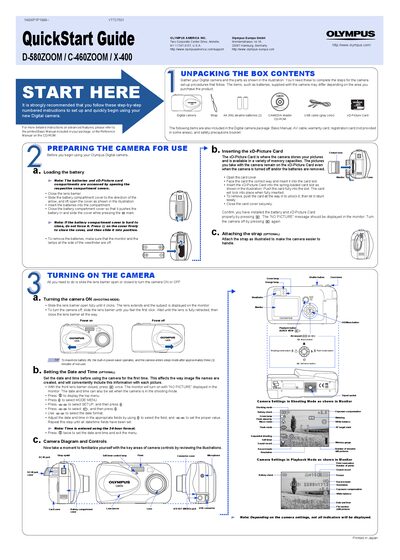
This Quick Start Guide provides step‑by‑step instructions to get your Olympus D-580ZOOM, C-460ZOOM, or X-400 digital camera up and running quickly. It covers unpacking, battery and xD‑Picture Card installation, strap attachment, and basic camera controls.
The guide also explains how to turn the camera on and off, set date and time, take pictures using the monitor or viewfinder, zoom, use flash modes, view and erase images, connect to a computer via USB, and install the supplied CAMEDIA Master software. Technical support contact information for the USA and Europe is included at the end.
| Battery type | AA (R6) alkaline batteries (2) |
|---|---|
| Memory card type and capacity | xD‑Picture Card, 16 MB–512 MB |
| Power‑saver activation | Activates after ~3 minutes of inactivity |
| Flash modes | Auto, Red eye, Reduction, FH‑in, Off |
| Time format | 24‑hour format |
The camera uses an xD‑Picture Card, supporting capacities from 16 MB up to 512 MB.