
Intel H77 Chipset SATA Hard Disk and RAID Configuration Guide

This document introduces the Serial ATA (SATA) hard disk RAID functions supported by Intel H77 chipset, including RAID 0, RAID 1, RAID 5, RAID 10 and Intel Rapid Storage.
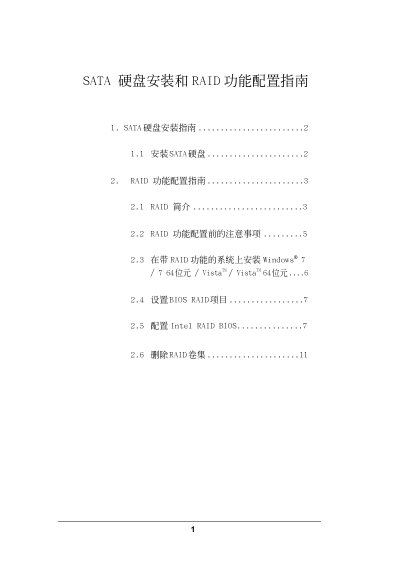

Intel H77 Chipset SATA Hard Disk and RAID Configuration Guide - cover page
Brand
SATA硬盘安装和RAID功能配置指南
Category
Other Computer Accessories
Document type
User Manual
Language
Chinese
Pages
11
File format
PDF
File size
551 KB
Published
08 June, 2012
Updated
30 September, 2023
MD5 checksum
E9C2F0E47E2BAA30035F05974D10746C

About this manual

The document provides instructions for installing Serial ATA (SATA) hard drives as internal storage devices on motherboards equipped with the Intel H77 chipset. It details the supported RAID levels, including RAID 0, RAID 1, RAID 5, RAID 10, and Intel Rapid Storage technology. This manual is written in Chinese.

What's inside

  • SATA Hard Disk Installation
  • RAID Introduction
  • Pre-configuration Notes
  • Installing Windows with RAID
  • Setting BIOS RAID Items
  • Configuring Intel RAID BIOS

Frequently asked questions

What operating systems support the RAID function on this chipset?

The system supports Windows 7, Windows 7 64-bit, Vista, and Vista 64-bit for RAID functionality.

Which key is used to enter the Intel RAID Utility?

You must press the key when prompted by the RAID software during startup.

What is the default stripe size for RAID 0 configuration?

The default value for the strip size in RAID 0 is 128KB.

Download PDF (551 KB)

More SATA硬盘安装和RAID功能配置指南 Manuals


View all SATA硬盘安装和RAID功能配置指南 manuals →