
Intel Q77 SATA Hard Disk Installation and RAID Configuration Guide

This manual introduces how to configure RAID function on ASUS motherboard, including RAID 0, RAID 1, RAID 5, RAID 10 and Intel Rapid Storage.
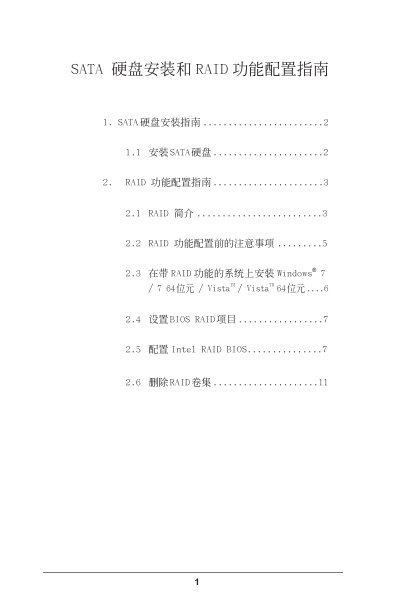

Intel Q77 SATA Hard Disk Installation and RAID Configuration Guide - cover page
Brand
SATA硬盘安装和RAID功能配置指南
Category
Hard disk
Document type
Installation Guide
Language
Chinese
Pages
11
File format
PDF
File size
1 MB
Published
01 June, 2012
Updated
30 September, 2023
MD5 checksum
F1F460EF53075FB424558F6E1641D222

About this manual

This guide explains how to install SATA hard drives and set up RAID arrays on systems using the Intel Q77 chipset. It covers hardware installation steps, BIOS configuration, and Windows installation procedures.

The document also provides detailed RAID level information, recommended drive configurations, and strip size settings, helping users create reliable RAID volumes for improved performance and data protection. This manual is written in Chinese.

What's inside

  • SATA Hard Disk Installation Guide
  • RAID Function Configuration Guide
  • RAID Introduction
  • RAID Configuration Precautions
  • Installing Windows with RAID
  • BIOS RAID Settings
  • Intel RAID BIOS Setup
  • Create RAID Volume
  • Select RAID Level and Strip Size
  • Delete RAID Volume

Specifications

Supported RAID levelsRAID 0, RAID 1, RAID 5, RAID 10, Intel Rapid Storage
Number of independent SATA channelsFour
Strip size options8KB to 128KB (default 128KB)

Frequently asked questions

What RAID levels are supported by the Intel Q77 chipset?

The Intel Q77 chipset supports RAID 0, RAID 1, RAID 5, RAID 10, and Intel Rapid Storage.

How many independent SATA ports does the Intel Q77 chipset provide?

It provides four independent SATA channels.

What is the recommended strip size for high‑performance RAID configurations?

For high‑performance use, set the strip size to 128KB, which is the default value.

Download PDF (1 MB)

More SATA硬盘安装和RAID功能配置指南 Manuals


View all SATA硬盘安装和RAID功能配置指南 manuals →