
This document provides detailed information on safety precautions, operating precautions, unpacking, using the user documentation on the CD-ROM, projector features and main functions, remote controller general guide, loading remote controller batteries, getting ready, setting up the projector, setup precautions, adjusting the projector elevation angle, rear projection, connecting a computer to the projector, connecting to a standard video device, turning on/off the projector, keystone correction, using the setup menu, user maintenance, cleaning the projector, reattaching the lens cover, replacing the lamp, troubleshooting, indicators and alert tones, projector troubleshooting, and specifications. It covers various aspects of using and maintaining the projector.
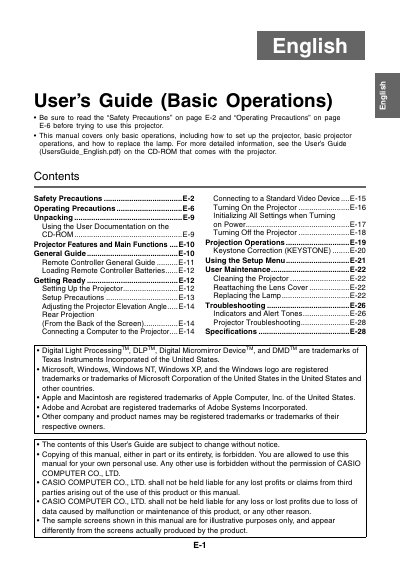
This document serves as a guide for the basic operations of the CASIO XJ-360 projector. It includes instructions on unpacking, setting up the device, connecting it to computers or video devices, and performing initial power-on procedures.
The manual also provides essential safety precautions regarding electrical hazards, ventilation, and lens care, along with step-by-step instructions for user maintenance tasks such as cleaning the projector and replacing the lamp.
The operating temperature range is 5°C to 35°C (41 to 95°F).
You must allow at least 30cm (11.8 inches) between the projector and walls.