
The document provides an overview of the features and characteristics of a product, including detailed technical specifications and functional descriptions.
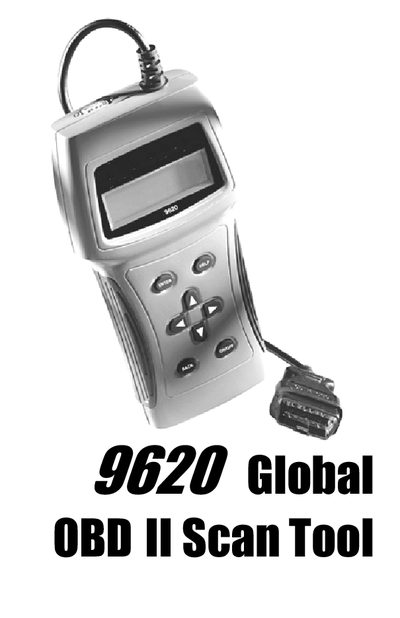
The document serves as a user guide for the Actron 9620 Professional OBD II Scan Tool. It explains how to connect the tool to a vehicle's Data Link Connector (DLC) and navigate its menu system to access various diagnostic functions such as reading readiness monitors, viewing freeze frame data, and erasing trouble codes.
The manual also covers technical background on vehicle computer systems, including what the Powertrain Control Module (PCM) controls and how OBD II standards work. It includes safety precautions for working around vehicles, troubleshooting tips for common issues like power-up failures or communication link drops, and details on using the tool's self-test features.
The OBD II Professional Scan Tool performs OBD II functions on ALL makes of OBD II compliant vehicles from 1996 and up.
No, connection to the vehicle battery is not required because the Data Link Connector (DLC) maintains power even when the ignition is turned off.
The scan tool requires a minimum of 8 volts to power up.