
This guide is designed to provide users with the necessary information to install and manage the Emulex® Model 355 SAN Storage Switch for use in Fibre Channel applications in typical entry-level Storage Area Networks (SANs).
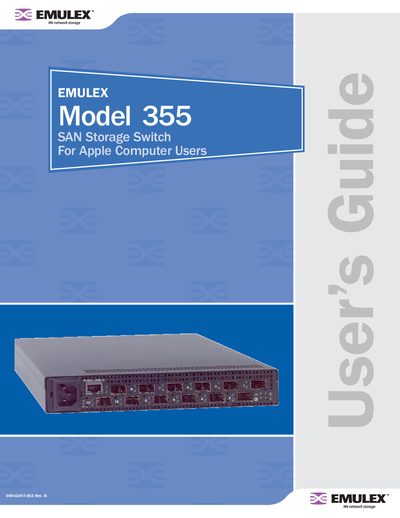
The Emulex Model 355 is a high-performance Fibre Channel switch built around the InSpeed SOC 320 ASIC. It features a wire-speed non-blocking crossbar core with 12 ports supporting up to 4 Gb/s per port and an aggregate bandwidth of 48 Gb/s. The device operates at full switching speeds according to the ANSI FC-AL standard, enabling multiple simultaneous conversations between ports.
The switch is enclosed in a half-rack form factor that occupies one rack unit (1U).
The switch operates at up to 4 Gb/s per port with an aggregate bandwidth of 48 Gb/s.
You need a No. 2 Phillips screwdriver along with the four thread forming screws included in the optional rack mount kit.