
This document describes how to use the PCMCIA Expansion Module, including safety instructions and important usage guidelines.
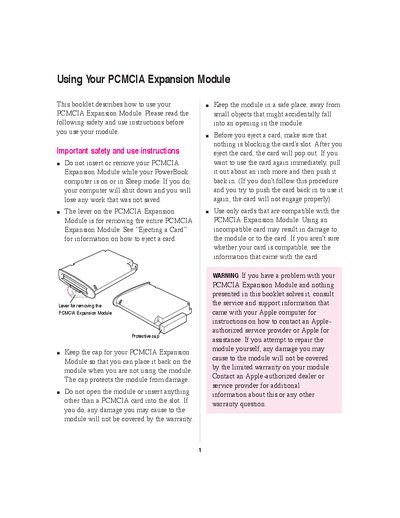
This booklet provides instructions for using the PCMCIA Expansion Module with your PowerBook computer. It covers safety precautions, such as ensuring the computer is shut down before inserting or removing the module, and explains how to protect the module when not in use.
The document details the installation process, including software setup via floppy disk, and provides step-by-step instructions for inserting Type I, II, and III PCMCIA cards into the upper or lower slots. It also describes various methods for ejecting cards using control panels, Control Strip modules, or system menus.
Your computer will shut down and you will lose any work that was not saved.
No, a Type III card must be inserted only in the lower slot because it takes up both slots.
Insert the end of a straightened paper clip into the hole next to the slot and press firmly until the card pops out.