
This document describes the usage of the iPod nano armband, including sliding the iPod nano into the armband pocket, securely fastening the bottom flap, using different settings for connecting the Nike + iPod receiver, tightening the armband by threading the strap through the metal ring and pulling it, and removing the iPod nano from the armband.
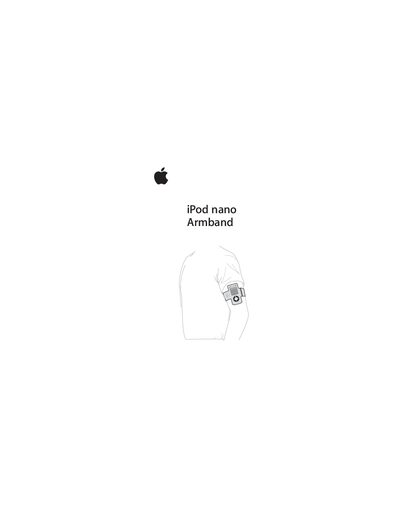
The Apple iPod nano (4th generation) armband is an accessory that holds the iPod securely on your arm. It works with the iPod alone or with a Nike + iPod receiver.
To use the armband, slide the iPod nano into the pocket, fasten the bottom flap, choose the appropriate flap setting, thread the strap through the metal ring, and tighten. To remove the iPod, detach the armband, unfasten the flap, and slide the iPod out of the pocket.
| Compatible device | iPod nano (4th generation) |
|---|---|
| Flap settings | Two positions (solo or with Nike + iPod receiver) |
Slide the iPod nano into the armband pocket, then fasten the bottom flap securely.
Select the flap setting that corresponds to the Nike + iPod receiver connection.
First remove the armband, then unfasten the bottom flap and slide the iPod nano out of the pocket.