
TM/TMC-4200GE Progressive Scan Cameras Operation Manual
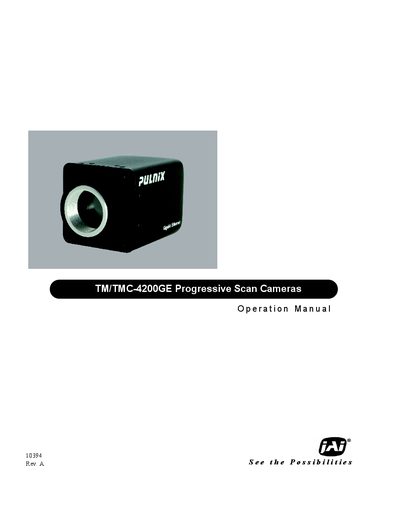
This manual covers the TM/TMC-4200GE progressive‑scan camera from JAI, describing its hardware features, Gigabit Ethernet interface, and software tools. It is intended for users who have purchased the camera and need guidance on installation, configuration, and operation.
Key sections include software installation, connector and power details, camera configuration (exposure, gain, scan modes), operation procedures, and a troubleshooting guide with common video symptoms. Technical specifications are listed in the final appendix.
Refer to the Troubleshooting section, which lists "Symptom: No Video" and provides steps to resolve the issue.
The manual’s Troubleshooting chapter includes "Symptom: Dark Video" with recommended adjustments to exposure and gain settings.
See the "Symptom: Non‑Synchronized Video" entry in the Troubleshooting section for guidance on synchronisation settings.