
X350/X550 User Manual is a user manual for X350/X550 desktop virtualization devices written by NComputing, including product overview, product installation, product use, product management, etc.
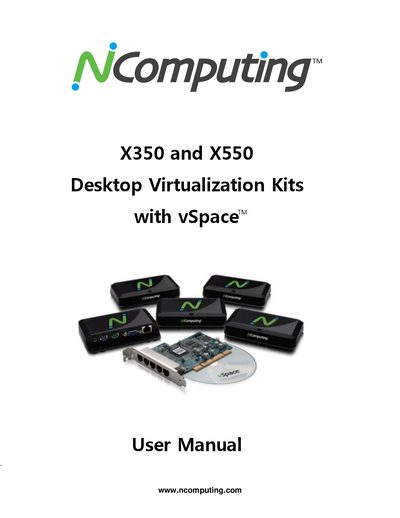
This manual describes the NComputing X350 and X550 desktop virtualization kits, which enable multiple users to share a single PC using the vSpace software and XD2 access devices. It covers product overview, safety information, regulatory compliance, hardware installation, software setup, and system requirements.
Key sections include safety precautions, PCI slot requirements, installation of the PCI card and peripheral devices, licensing requirements, software updates, and management console usage. The glossary at the end defines common terms used throughout the document.
| Maximum users per X350 kit | 4 |
|---|---|
| Maximum users per X550 kit | 6 |
| PCI slot requirement (X350) | Full-height or half-height PCI slot |
| PCI slot requirement (X550) | Full-height PCI slot |
Four users can share a single PC with one X350 kit.
The X350 card requires either a full-height or a half-height PCI slot.
Ensure the installation area is not too hot, cold, or humid, avoid impacts, keep away from strong magnets, and route cables safely.
You must acquire the appropriate number of Windows Server licenses and Client Access Licenses (CALs) for each device or user.