
This document introduces the user manual of Viper Climate and Production Computer, including the product's features, installation instructions, and usage instructions
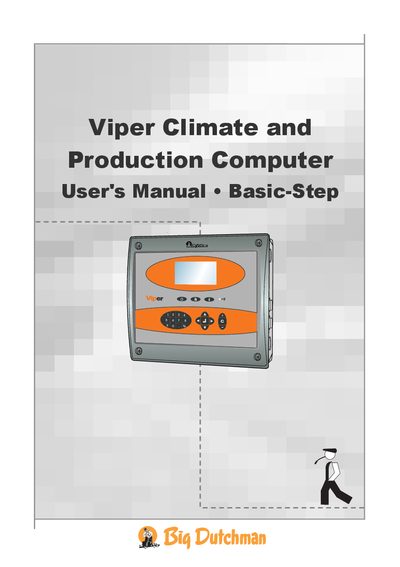
This manual explains how to operate the Viper Climate and Production Computer, a control unit for poultry house climate and production. It follows the menu structure of the device and describes each function, including temperature set‑points, ventilation, and production parameters.
The guide also details required safety measures, such as installing an independent alarm system, and provides step‑by‑step instructions for navigating menus, changing settings via the outline screen, and configuring timers like the 24‑hour stir‑fan regulation.
| Default temperature setpoint | 19.0 °C |
|---|---|
| Current temperature reading example | 32.4 °C |
A quick flashing lamp signals an alarm, a slow flashing lamp indicates an acknowledged alarm, and a constant light shows a non‑acknowledged alarm where the error has disappeared.