
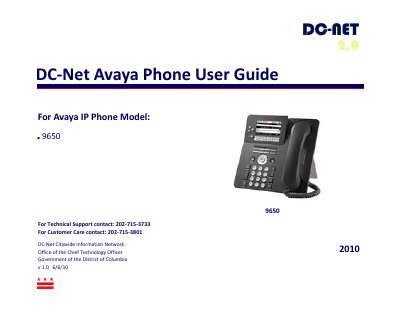
The Avaya 9650 IP Phone is a feature‑rich desk phone used by government and enterprise users. This user guide, provided by DC‑Net, walks you through initial setup, voicemail configuration, call handling, and customization of the phone's functions.
Key sections cover voicemail setup, accessing voicemail locally and remotely, using auxiliary buttons and bridged lines, navigating the Avaya menu, making and answering calls, transferring and conferencing calls, and managing contacts and call logs. This manual is written in Chinese.
Press the envelope button, enter the temporary password “1000”, then follow the prompts to set a new password, record your name and personal greeting.
If you are not on another call, lift the handset or press the line button next to the incoming call; you can also use the Speaker or Headset buttons.
Select the call you want to transfer, press Transfer or OK, then dial the destination number and confirm the transfer.