
This manual describes the setup and use of the Avaya 2420 digital phone and the Avaya 4620/4621 SW IP phone, including how to set up a new voicemail box, remotely access voicemail, and more
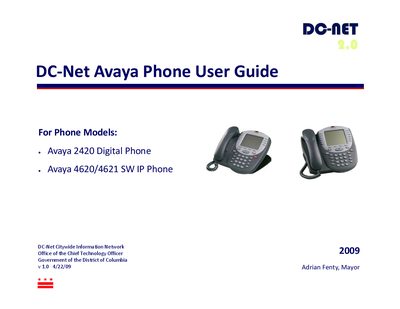
This guide explains how to set up and access voicemail, configure passwords, and use basic phone functions such as hold, transfer, conference, and speakerphone. It also covers personalized settings like flash message lamp, ring patterns, and label editing.
Additional sections describe speed‑dial and personal directory management, call‑log navigation, and procedures for making, redialing, and deleting calls. Contact information for the DC‑Net Help Desk is provided for further assistance.
| Voicemail password requirements | At least four digits, no consecutive or repeated numbers |
|---|
The default passcode is 1000.