
Hybrex DK2 Bluetooth Headset User Manual
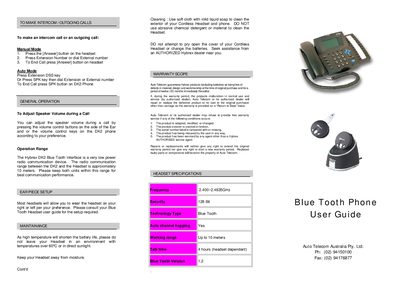
This guide explains how to operate the Hybrex DK2 Bluetooth interface, including making intercom and outgoing calls in both manual and auto modes, adjusting speaker volume, and using the device within its recommended 10‑meter radio range. It also covers headset setup, pairing procedures, and how to activate or cancel headset mode on the DK2 phone.
Maintenance tips, warranty information, and a list of compatible Bluetooth headsets are included. The warranty covers defects for twelve months from the original purchase, and the device should be kept away from high temperatures and moisture to preserve battery life.
| Frequency | 2.400 ~2.4835 GHz |
|---|---|
| Encryption | 128 Bit |
| Bluetooth | Yes |
| Operating Range | Up to 10 meters |
| Battery Life (headset) | 4 hours (headset dependent) |
Press the Answer button on the headset, then press the extension number or dial the external number; to end the call press the Answer button again.
Place the headset in pairing mode, then press and hold the DK2 phone’s HOLD key until “Pairing” appears on the screen; the devices will then pair automatically.
Auto Telecom guarantees the product for twelve (12) months from the original purchase date.
The radio communication range between the DK2 and the headset is approximately 10 meters.