
The BT Big Button 100 is a phone product launched by British Telecom, which features large buttons for easy dialing. It also has hands-free, one-touch dialing, adjustable earpiece and microphone volume, 3 one-touch buttons for easy dialing of your most important numbers, store up to 10 more numbers in the memory, last number redial and secrecy functions.
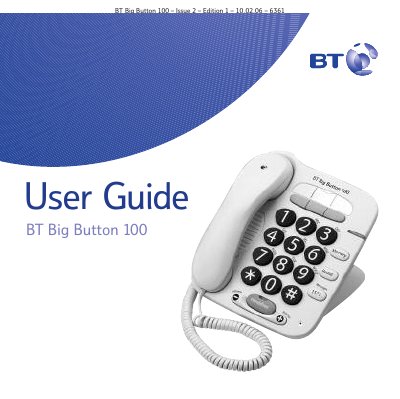
This guide walks you through the initial setup of the BT Big Button 100, including battery installation, telephone line connection, and mounting options for desk or wall placement. Safety warnings and environmental information are also covered.
The manual details everyday use of the phone: making and receiving calls, adjusting handset and speaker volumes, using hands‑free mode, redial, secrecy mode, and storing up to ten frequently‑dialed numbers with one‑touch memory buttons. Additional sections cover troubleshooting, warranty, and return information.
| Battery type | 4 x AA back‑up batteries |
|---|---|
| Number memory capacity | Stores up to 10 numbers |
| Handset volume levels | 5 levels |
| Loudspeaker volume levels | 5 levels |
| Hearing‑aid compatibility | Inductive coupler |
Open the battery compartment, place four AA back‑up batteries on top of the red ribbon, and close the compartment.
The phone can store up to ten one‑touch memory numbers, plus an additional ten numbers in the memory list.