
This document is a user guide for BT Home Phone 2.1 UG FULL VERSION. It provides simple steps on how to set up and use the BT Hub Phone, as well as more detailed instructions and troubleshooting information.
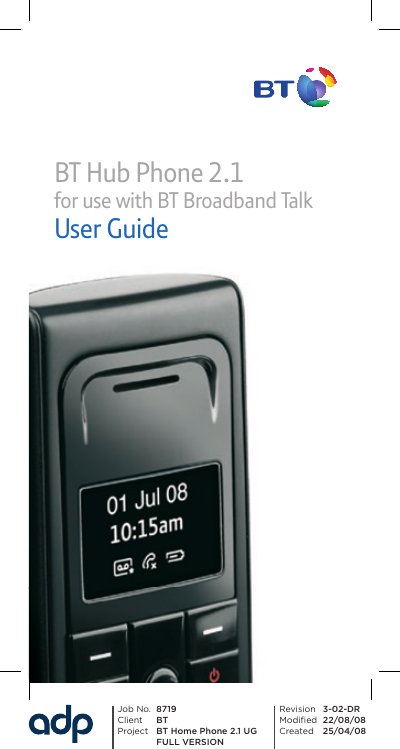
This guide explains how to set up and operate the BT Hub Phone 2.1 with BT Broadband Talk. It includes quick‑start steps, detailed setup instructions, charging procedures, registration of the handset to the Home Hub, and a full help section for common questions.
The manual also covers safety warnings, disposal instructions, warranty information, and technical details such as battery type, power‑supply codes, and supported features like High Definition Sound and a shared phonebook.
| Battery type | AAA Ni‑MH rechargeable (2) |
|---|---|
| Shared phonebook contacts | 150 contacts |
| Handset phonebook contacts | 50 contacts |
| Approved power‑supply item codes | 044729, 044730, 044732 |
| Audio quality | High Definition Sound (Hi‑dS™) |
Place the Hub Phone in its cradle and leave it to charge for 24 hours before making any calls.
It uses two AAA Ni‑MH rechargeable batteries that are pre‑installed in the handset.
When the ‘Register handset to your Home Hub’ prompt appears, press OK on the Hub Phone and wait for the ‘Handset registered’ message.
Use the approved base mains power supply with item code 044729, 044730 or 044732.