
IPitomy IP550 SIP IP Phone User Guide, introduces the features, packaging contents, installation methods and operation methods of IP phone products
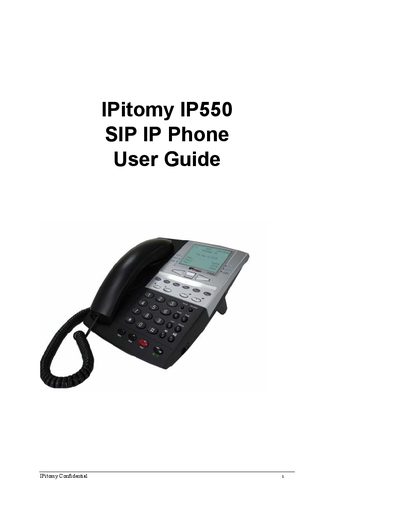
The IP550 is a SIP IP Phone that offers a 128 × 64 pixel LCD with backlight, five status icons, four line registrations, and dual Ethernet ports for LAN and PC connections. It supports automatic provisioning via TFTP, DHCP, and a range of SIP features such as DTMF relay and multi‑tone call‑progress tones.
This guide covers the phone's physical installation, web‑based configuration, menu functions, call handling, programmable keys, and troubleshooting. It includes detailed steps for connecting the handset, powering the device, configuring network settings, and using advanced features like 3‑way conferencing and speed dial.
| LCD display | 128 x 64 pixel with backlight |
|---|---|
| Status icons | 5 icons (No-Service, DND, Call Forward, Conference, Voice Mail) |
| Supported lines | 4 lines, up to 4 simultaneous calls |
| Ethernet interfaces | Two 10/100Base‑T ports (LAN and PC) |
| Provisioning | Automatic provisioning via TFTP |
| Call record storage | 10 dialed calls, 10 missed calls |
| Phone book capacity | Up to 200 personal contacts |
| Ring tones | Six supported tones |
| Voice volume | Adjustable |
| DTMF relay method | RFC2833 or SIP INFO |
The phone can manage four lines supporting four registrations and up to four simultaneous calls.
Use only the supplied power adapter; using a different adapter may cause hardware damage.
Open a web browser, navigate to the phone’s IP address, and log in via the Configuration Program screen.