
Product description: This is a video conferencing solution for enterprise users, which can realize multi-party high-definition video conference, online audio conference, instant messaging and screen sharing.
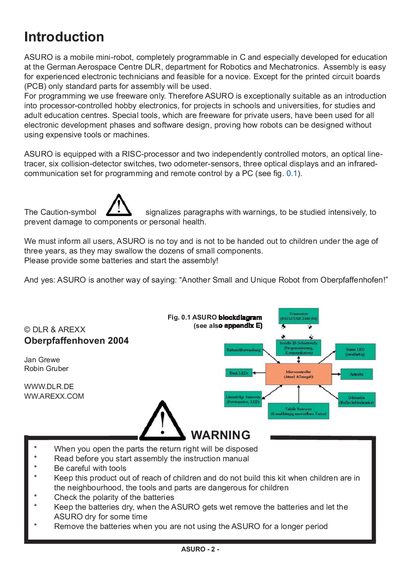
ASURO is a mobile mini‑robot developed for education at the German Aerospace Centre DLR. It is fully programmable in C, uses only standard parts for assembly, and is aimed at schools, universities and adult‑education centres. The robot includes a RISC‑processor, two independently controlled motors, an optical line‑tracer, collision‑detector switches, odometer sensors, optical displays and an infrared communication set.
The document stresses safety: ASURO is not a toy and must be kept away from children under three years old. Users are warned to check battery polarity, keep batteries dry, remove them when not in use, and handle tools carefully during assembly.
| Processor | RISC‑processor |
|---|---|
| Motors | Two independently controlled motors |
| Line tracer | Optical line‑tracer |
| Collision detectors | Six collision‑detector switches |
| Odometer sensors | Two odometer‑sensors |
| Displays | Three optical displays |
| Communication | Infrared‑communication set |
ASURO is a mobile mini‑robot developed for education, suitable for schools, universities and adult‑education centres.
No, ASURO is not a toy and must be kept out of reach of children under three years old, with warnings about battery and tool safety.
ASURO is programmed in C using freeware development tools.