
This document introduces the technical advantages and application scenarios of Intel® Optane™ Memory and Intel® Optane™ Persistent Memory.
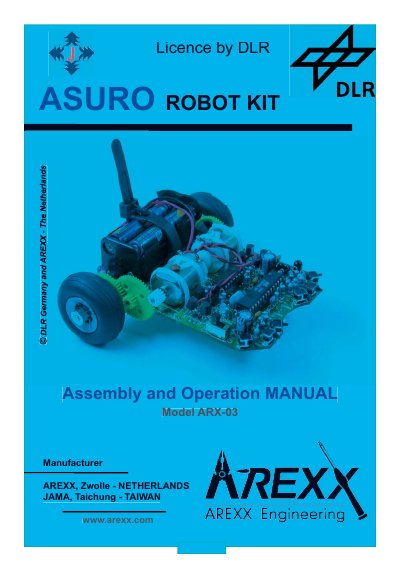
The ASURO is a mobile mini‑robot designed for education at the German Aerospace Centre DLR. It features a RISC‑processor, two independently controlled motors, an optical line‑tracer, collision detectors, odometer sensors, displays and an infrared communication set. The kit is intended for students and hobbyists and requires only standard parts and basic tools for assembly.
This manual covers mechanical preparation, electronics assembly, software installation for Windows and Linux, programming basics in C, and detailed troubleshooting. Appendices provide part lists, diagrams, and block diagrams of the robot and its PIC processor.
| Processor | RISC‑processor |
|---|---|
| Motors | Two independently controlled motors |
| Line tracer | Optical line‑tracer |
| Collision detectors | Six collision‑detector switches |
| Odometer sensors | Two odometer‑sensors |
| Displays | Three optical displays |
| Communication | Infrared‑communication set |
You need a Stanley‑Knife, small hammer, sandpaper, long‑nose pliers, cutter, soldering iron (20‑30 W), solder wire, desoldering wick, glue, and optionally a multimeter.
The robot is equipped with two independently controlled motors.
No, ASURO is not a toy and must not be given to children under three years of age.
Check battery polarity, keep batteries dry, remove them when the robot is not in use, and dry the robot if it gets wet before reinserting batteries.