
The GXV3615WP_HD is a high-definition IP camera from Grandstream. Its features include PoE power, 30fps video resolution, 120dB dynamic range, and a full-range microphone.
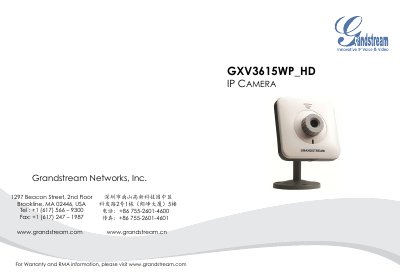
This Quick Start Guide provides step‑by‑step instructions for installing and configuring the Grandstream GXV3615WP_HD IP camera. It includes safety precautions, package contents, and two power options – a 12 V power adapter (Option A) or Power over Ethernet (Option B).
The guide explains how to connect the camera to a network, set up Wi‑Fi, access the web interface, and configure basic parameters such as static IP address and default login credentials. Lens specifications and mounting options are also listed. This manual is written in Chinese.
| Lens Mount | M12 |
|---|---|
| Image Format | 1/3" |
| Image Sensor | CMOS |
| Focal Length | 4.2 mm |
| View Angle | 71° |
| Aperture | f/1.8 |
| Size | 14 × 12.91 mm |
| Power Supply | 12 V DC |
Both the default username and password are set to “admin”.
Use the default static IP address 192.168.1.168 and configure your PC to the same subnet.