
GXV3140 IP Multimedia Phone Quick Start Guide
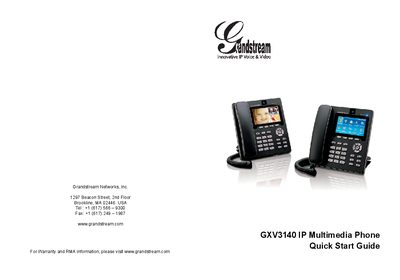
The GXV3140 is an IP multimedia phone designed for voice and video calls over a SIP network. This Quick Start Guide walks users through unpacking, safety precautions, hardware installation, and basic operation.
Key sections cover package contents, power‑adapter warnings, connecting the handset, LAN and power cables, keypad usage, and configuring the phone via a web browser or the keypad menu. The guide also notes that the device does not support emergency calling and must be used with a SIP‑compatible service.
| Power Supply | 12V DC output plug |
|---|---|
| Network Interface | LAN port (Ethernet) |
| Power Adapter | Only the included adapter should be used |
| SIP Technology | Configuration‑free Plug‑and‑Call via peer‑to‑peer SIP |
Only the power adapter that comes with the GXV3140 should be used; other adapters may damage the unit.