
The HT701 is a Grandstream analog telephone adapter that supports PSTN/ISDN phones with IP telephone systems.
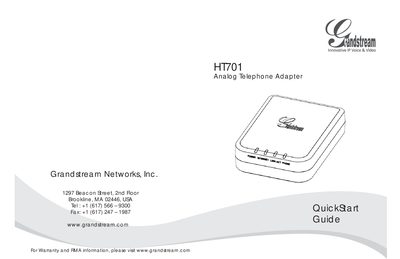
The HT701 is an entry‑level analog telephone adapter that provides VoIP access for standard phones and fax machines. The guide includes important safety precautions such as using only the supplied power adapter, operating within 10‑68 °C and 10‑90 % RH, and making additional arrangements for emergency services.
To set up the device, connect a standard analog phone to the PHONE port, plug an Ethernet cable into the Internet port, and link it to a router or modem. Configuration can be done via the built‑in web server or the Interactive Voice Prompt (IVR) menu, where you can set static IP or DHCP, SIP server details, and enable Plug‑n‑Call provisioning.
| Operating humidity | 10‑90 % RH |
|---|---|
| Power adapter | Grandstream HandyTone Power Adapter (do not use third‑party adapters) |
| Network interface | 1 Ethernet (Internet) port, DHCP or static IP |
| Plug‑n‑Call support | Yes |
No, you must use the supplied Grandstream HandyTone Power Adapter.
Press *** on the analog phone to enter the VR menu, then select option 02 to view the device’s IP address.
Plug an Ethernet cable into the Internet port of the HandyTone and connect the other end to a router or modem.