
This document introduces the basic functions and usage of the Grandstream GXP-1200 IP phone.
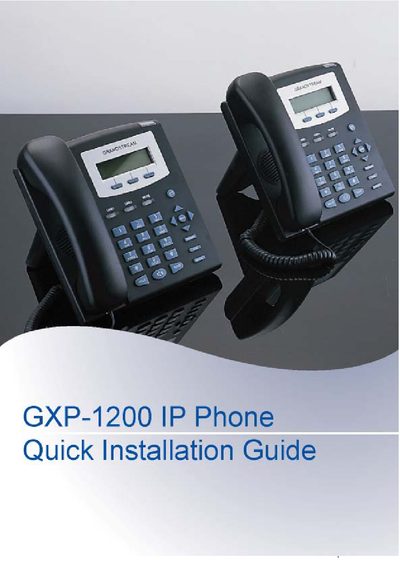
The GXP-1200 is an entry‑level SIP phone with a backlit graphic LCD, two line appearances, three programmable soft‑keys and integrated PoE. This guide walks you through unpacking, connecting the handset, Ethernet cable and power adapter, and mounting the phone on a wall.
It also explains how to access the phone’s web interface for network settings, SIP server configuration, and how to use the keypad menu for basic features such as IP address setup, call history, and factory functions like reboot and reset.
| Display | Backlit graphic LCD |
|---|---|
| Lines | 2 line appearances |
| Network | 10/100 Mbps RJ‑45 port |
| Power | 5 V DC power adapter (included) |
The default administrator password is “admin”.
Insert the two wall‑mount spacers into the holes on the bottom of the phone, attach the fixed hangers to the wall, and hang the back of the phone on the hangers.