
The GXP1450 is a 2-line IP phone that requires users to purchase and configure SIP-compliant internet telephone service. It does not support emergency calls, so users need to arrange alternative traditional wireless or landline telephone services for accessing emergency services.
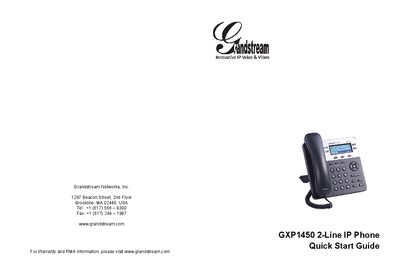
The GXP1450 is a small‑to‑medium business IP phone with two lines, a 180×60 graphical LCD, three XML‑programmable soft keys, dual network ports with PoE, and 3‑way conference capability. The package includes the handset, power adapter, Ethernet cable, phone cord, stand, wall‑mount spacers, and this Quick Start Guide.
The guide walks you through wall‑mount or desk‑stand installation, connecting the handset, LAN, and power, and configuring the device via the keypad or embedded web server. It also provides keypad tips, default passwords (admin/123), and safety warnings such as not power‑cycling during firmware upgrades.
| Lines | 2 lines with 2 SIP accounts |
|---|---|
| Display | 180×60 graphical LCD |
| Soft keys | 3 XML programmable context‑sensitive soft keys |
| Network ports | dual network ports with PoE |
| Conference | 3‑way conference |
| Ethernet speed | 10/100 Mbps |
| Power input | 5 V DC output plug |
| Default admin password | admin |
| Default user password | 123 |
Attach the two wall‑mount spacers to the slot on the back of the phone, then insert the phone through the wall‑mount hole.
The default administrator password is “admin” and the default end‑user password is “123”.
No. Power‑cycling during system boot or firmware upgrade may corrupt the firmware and cause malfunction.
Enter the phone’s IP address in a PC web browser to open the embedded web server.