
This document is a user manual for the NEC GT950 Proyector LCD, which describes the main features and usage instructions of the product.
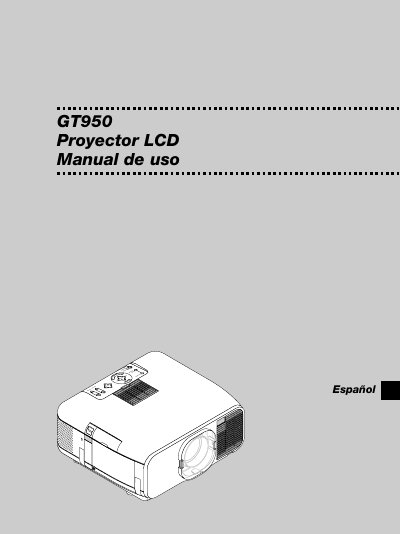
This manual introduces the NEC GT950 projector, describing its front and rear panels, accessories, and basic controls. It explains how to set up the projector, choose a suitable location, and connect it to various video sources.
Safety precautions, power requirements, cleaning procedures, lamp replacement, and troubleshooting tips are covered. Detailed specifications for resolution, lamp type, weight, and communication settings are also provided. This manual is written in Spanish.
| Lamp type | NSH 200V high‑performance |
|---|---|
| Weight | 7.2 kg (15.9 lb) |
| Power input | 100‑120 V or 200‑240 V, 50/60 Hz AC |
| Maximum resolution | UXGA (1600 × 1200) |
| Installation vertical angle | -10° to +10° |
| Minimum clearance from wall | 10 cm (3 in) |
| Communication baud rate | 38400 bps |
Unplug the projector, wipe the housing with a damp cloth, and use a brush or paper to clean the lens, avoiding solvents.
The projector can be powered from a 100‑120 V or 200‑240 V AC source at 50/60 Hz.
Follow the instructions on page S‑58 and replace the lamp when the warning message appears.