
This guide describes how to install and configure the Nokia DKU-5 data cable.
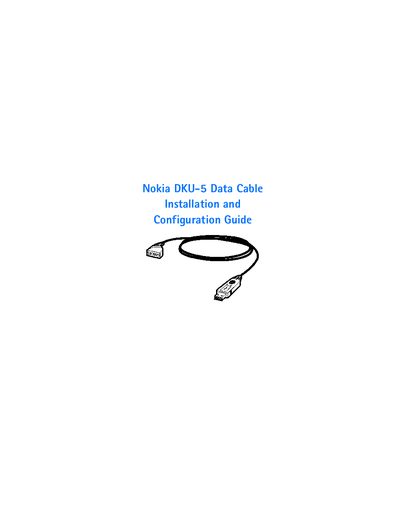
The Nokia DKU-5 Data Cable lets you connect a compatible Nokia phone to a PC via USB. The guide explains the required system components, including the Nokia software CD, a USB‑equipped Pentium‑class computer, and supported Windows operating systems.
It provides step‑by‑step instructions to install the Nokia software drivers before connecting the cable, configure the connection for Nokia PC Suite or wireless modem use, and locate additional resources. Contact information for Nokia Customer Care and registration details are also included.
| Supported Operating Systems | Windows 98 SE, Windows ME, Windows 2000 Professional, Windows XP |
|---|---|
| Required Computer | USB‑equipped Pentium‑class PC or laptop |
The Nokia software CD‑ROM must be installed first to load the required drivers before the cable can be connected.
The cable works with Windows 98 (Second Edition), Windows ME, Windows 2000 Professional, and Windows XP (Home or Professional).
Register the cable at www.warranty.nokiausa.com or call 1‑888‑NOKIA‑2U (1‑888‑665‑4228).
Try reorienting or relocating the receiving antenna, increase separation between the equipment and receiver, plug the equipment into a different circuit, or consult a radio/TV technician.