
This manual introduces the Truphone Nokia application's functions and usage methods, including connection, dialing, answering calls, call forwarding, settings, etc.
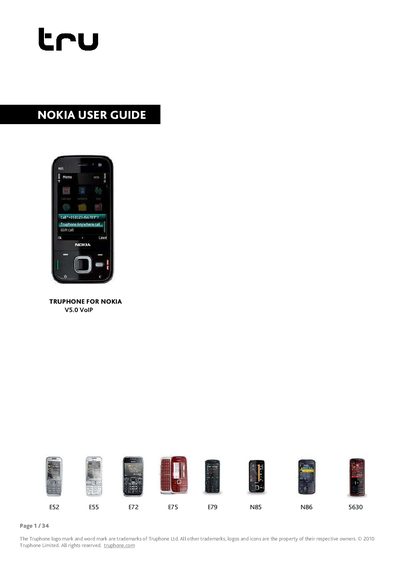
This guide introduces the Truphone application for Nokia devices, describing its features such as low‑cost international calls, free calls to other Truphone users, and voicemail. It explains the requirements—compatible phone, Wi‑Fi or 3G connection, and access‑point settings—needed to activate the service.
The manual walks through installation, adding Truphone to active standby apps, connecting via Wi‑Fi or 3G, making both Internet and standard GSM calls, managing call settings, and troubleshooting connection issues. Support contact information and a glossary of networking terms are provided at the end.
| Supported Nokia models | E52, E55, E72, E75, E79, N85, N86, 5630 |
|---|---|
| Required network connection | Wi‑Fi or 3G |
Open Menu > Tools > Settings > Phone > Standby mode > Active standby apps and select Truphone from the list to create a shortcut.
Select Options > Call > Voice call (or press the centre button) to place a regular cellular call even when Truphone is running.
Visit the online support page at http://www.truphone.com/apphelp or email [email protected]; phone support numbers are also listed.