
Action Replay DS allows users to add cheat codes to Nintendo DS games, changing the way the game is played. This manual contains information on how to set up and use Action Replay DS, as well as how to add cheat codes to games.
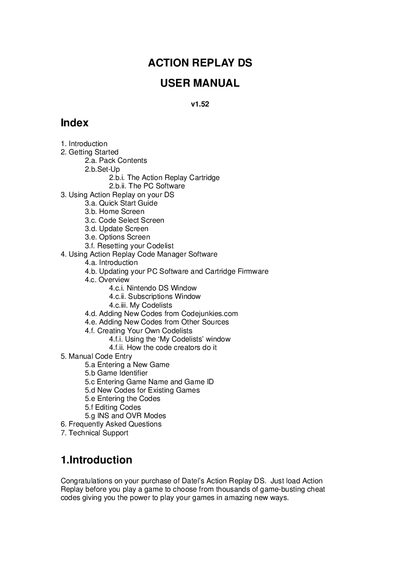
This manual introduces the Action Replay DS cheat cartridge for Nintendo DS, covering everything from unpacking the kit to using the on‑screen interface. It explains how to insert the cartridge, select and activate cheat codes, and navigate the various screens such as Home, Code Select, Update and Options.
The guide also details the accompanying Action Replay Code Manager PC software, including system requirements, installation steps, firmware updates, and how to manage codelists. A FAQ section addresses common issues like unknown games and codelist resets, and contact information for Datel technical support is provided at the end.
| Minimum CPU speed | 1GHz+ |
|---|---|
| Minimum RAM | 256 MB |
| USB port | USB 2.0 |
| Supported operating system | Windows XP Home/Pro |
| Install size | 10 MB free disk space |
| Minimum display resolution | 800 × 600 SVGA |
Some games have different cartridge IDs, so even if the game is in the codelist the device may report “Game Unknown”. Updating the codelist and firmware can resolve this.
Turn off the console with the cartridge inserted, turn it on, hold A+B, then hold START+SELECT for about 10 seconds until the codelist shows 0 games and 0 codes.
Enter UPDATE mode on the device, connect via USB, then press the “AUTO UPDATE” button in the Code Manager software to download and install the latest firmware and software.