
Key facts
- Manuals
- 1
- Languages
- EN
- Last added
- 2012-05-09
Featured Action manuals
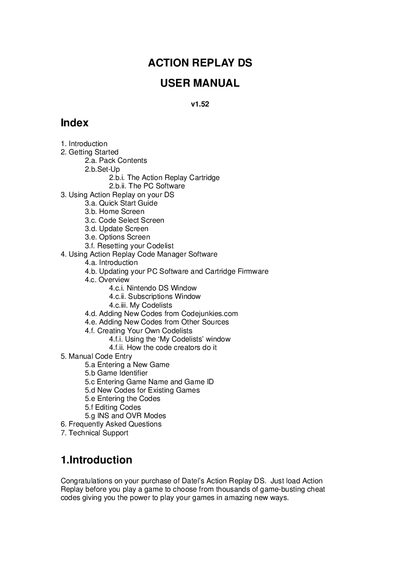
Datel Action Replay DS User Manual v1.52
This manual introduces the Action Replay DS cheat cartridge for Nintendo DS, covering everything from unpacking the kit to using the on‑screen interface. It explains how to insert the cartridge, select and activate cheat codes, and navigate the various screens such as Home, Code Select, Update and Options.
The guide also details the accompanying Action Replay Code Manager PC software, including system requirements, installation steps, firmware updates, and how to manage codelists. A FAQ section addresses common issues like unknown games and codelist resets, and contact information for Datel technical support is provided at the end.
Covers: Introduction · Pack Contents · Set‑Up · Quick Start Guide · Home Screen · Code Select Screen
Latest Action manuals
Datel Action Replay DS User Manual v1.52
User Manual 20 pages · 390 KB · ENThe Datel Action Replay DS User Manual provides setup, usage, and troubleshooting instructions for the cheat cartridge and PC software.
Which document do I need?
User Manual
Day-to-day operation, settings and troubleshooting. Start here if the product is already set up.
Questions answered in Action manuals
Why does Action Replay DS say my game is unknown?
Some games have different cartridge IDs, so even if the game is in the codelist the device may report “Game Unknown”. Updating the codelist and firmware can resolve this.
How do I reset the codelist on Action Replay DS?
Turn off the console with the cartridge inserted, turn it on, hold A+B, then hold START+SELECT for about 10 seconds until the codelist shows 0 games and 0 codes.