
introduces the features and characteristics of the RocketRAID 600 series 6Gb/s SATA RAID host adapters, including performance, connection methods, and management methods
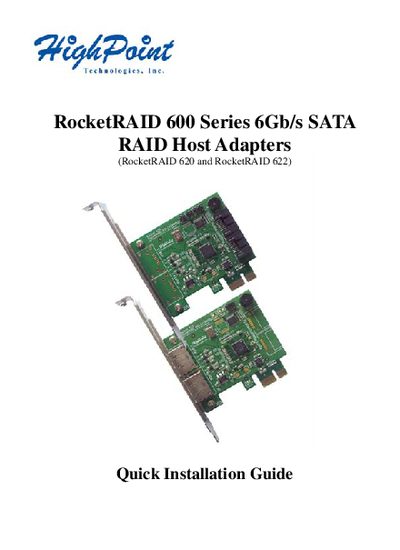
The RocketRAID 600 Series are SATA 3.0 (6Gb/s) RAID host adapters that support RAID 0, 1, 5, 10 and JBOD. They connect to a PCI‑Express 2.0 slot and provide high‑performance storage for internal or external SATA devices.
The guide walks you through hardware installation, driver installation for Windows and macOS, and setting up the HighPoint Web RAID Management interface, including default login credentials and port settings.
| Interface | PCI‑Express 2.0 |
|---|---|
| SATA speed | 6 Gb/s |
| SATA revision | 3.0 |
| Supported RAID levels | 0, 1, 5, 10, JBOD |
| Default Web GUI port | 7402 |
Power off the system, insert the RR62x card into an unused PCI‑E slot, secure the bracket, connect SATA cables, and close the chassis.
Username is RAID and the password is hpt.
Copy the dmg file from the CD, open it, run the installer, and restart the computer.