
This document is the user manual for ROCSTOR - ROCPRO 850, providing instructions on installation, connection, and formatting of the ROCPRO 850 hard drive.
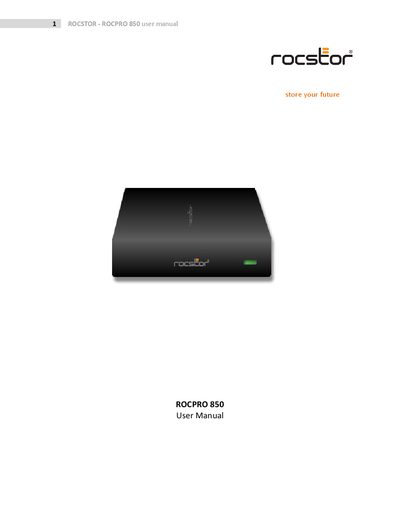
This manual covers everything you need to know to get the Rocpro 850 external hard drive up and running. It includes safety notices, system requirements, connector details, and step‑by‑step quick‑install instructions for FireWire, USB and eSATA interfaces.
Additional sections explain how to partition and format the drive on both Mac and Windows, provide troubleshooting tips, list the drive’s specifications, and give warranty and technical support contact information.
| Interface ports | FireWire 800/400, eSATA, USB 1.1/2.0 |
|---|---|
| Drive form factor | 3.5" SATA hard drive |
| Power supply | Built‑in power supply with AC power cord |
| Operating temperature | Do not place near heat source or direct flame |
Use the Control Panel to access the drive, then follow the provided instructions to format the drive from FAT‑32 to NTFS.
Yes, you can daisy‑chain through FireWire ports to connect more than one Rocpro drive at a time.