
This is the user guide of Linux for ARM on TS-72XX published by Technologic Systems, which introduces the usage of this product.
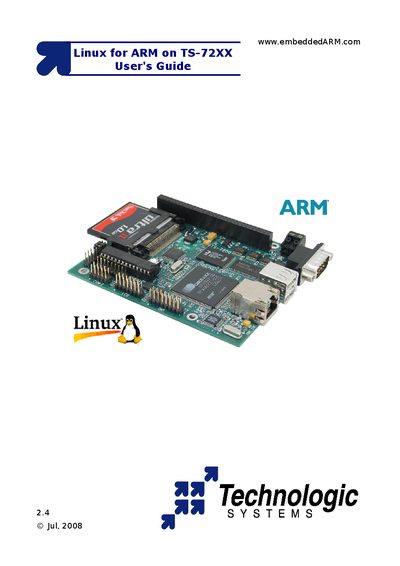
The User's Guide introduces the TS-72XX series of ARM‑based single‑board computers and explains how to run Linux on them. It covers hardware overview, boot process, and the software environment provided by Technologic Systems.
Key sections describe the console connection, boot sequence (TS‑BOOTROM, RedBoot, Linux kernel, login), configuring networking, storage options, and developing applications with the TS‑Kernel and drivers. Appendices give a feature matrix, memory map, and contact information.
| CPU | 200 MHz ARM9 |
|---|---|
| RAM (standard) | 32 MB |
| On‑board Flash | 8 MB (TS‑7200) – 32 MB (others) |
| Ethernet | 10/100 Mbps |
| USB 1.1 ports | 2 ports |
| RS232 Console | Yes (COM1, optional COM2) |
The boot sequence consists of TS‑BOOTROM messages, RedBoot ROM monitor messages, Linux kernel messages, and finally the login prompts.
Yes, install jumper JP4 (and keep JP2 installed) to route the console to COM2.