
This is a NETGEAR wireless router product, the model is WNDR3800, which supports dual band and gigabit network
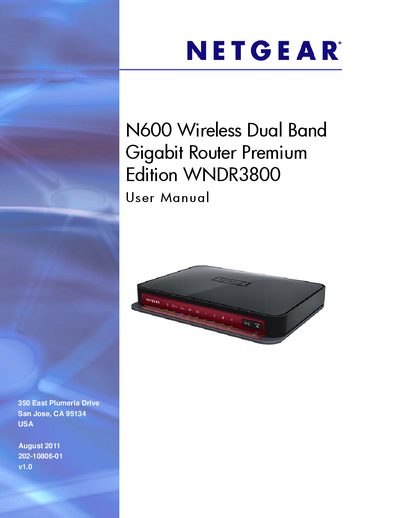
This manual covers everything needed to install and operate the Netgear WNDR3800 wireless router, including hardware setup, wireless configuration, and advanced features such as ReadySHARE and QoS. Detailed chapters guide you through initial installation, using the NETGEAR Genie interface, and managing USB storage and security settings.
Additional sections provide troubleshooting tips, firmware upgrade procedures, and reference tables for ports, LED indicators, and technical specifications, helping both home users and technicians keep the router running smoothly.
Attach a USB flash drive to the router’s USB port and use ReadySHARE to access the files over the home network.
Use the NETGEAR Genie interface to select the firmware upgrade option and follow the on‑screen instructions.
A non‑lit or blinking Power LED indicates the router is not receiving power or has a power‑related issue.