
This manual introduces the functions and features of the NETGEAR N750 Wireless Dual Band Gigabit Router WNDR4000 and provides detailed instructions on how to install, configure, and use the router.
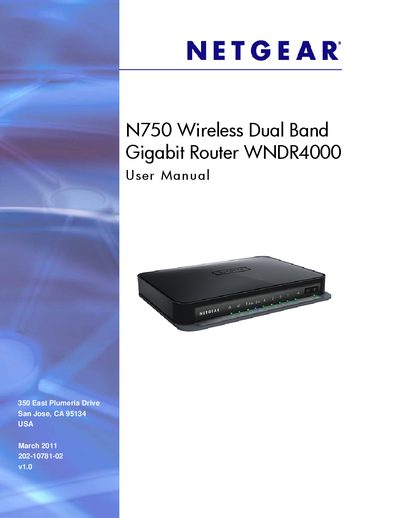
This manual guides you through unpacking, positioning, and cabling the Netgear WNDR4000 N750 Wireless Dual Band Gigabit Router, describing the front and back panel LEDs and hardware features. It also explains how to connect the router to your DSL service and register the product for support.
Subsequent chapters cover wireless security options, Wi‑Fi Protected Setup, content filtering, USB storage sharing, advanced settings such as QoS, static routes, and firmware upgrades, as well as troubleshooting tips and LED indicators to help maintain reliable network performance.
Use the "Upgrade Firmware" section in Chapter 5 to check for and install the latest firmware version.
Select the factory settings option in the router interface as described in the "Restoring the Factory Settings and Password" section.
Navigate to the wireless settings screen and choose "Set Up WPA Security Option and Passphrase" as shown in Chapter 3.
Enable USB storage in Chapter 6, then follow the steps to create a network folder and access the drive from other computers.