
This is an installation and troubleshooting guide for the Linksys RTP300 2 Phone Ports Broadband Router
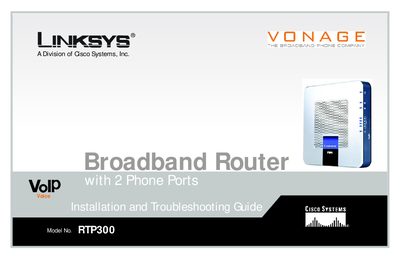
This guide walks you through planning a wireless network, identifying the router’s front and back panels, and connecting the device to your modem, telephone, and PC. Detailed instructions cover accessing the web‑based utility, configuring basic and advanced wireless settings, security options, and managing router features such as port forwarding and QoS.
Additional sections include troubleshooting common problems, wireless security best practices, how to locate MAC and IP addresses, a glossary of terms, specifications, warranty details, regulatory information, and contact information for support.
| Model Number | RTP300 |
|---|
Open a web browser and navigate to the router’s IP address as described in the "How to Access the Web‑based Utility" section.
The exclamation point marks a caution or warning that could damage your property or the router.
Refer to Appendix C "Finding the MAC Address and IP Address for Your Ethernet Adapter" for step‑by‑step instructions for Windows and the router’s utility.