
This manual introduces the functions and features of EDR 810H/EDR810M EDR 410H/EDR410M, as well as installation, connection, and setup.
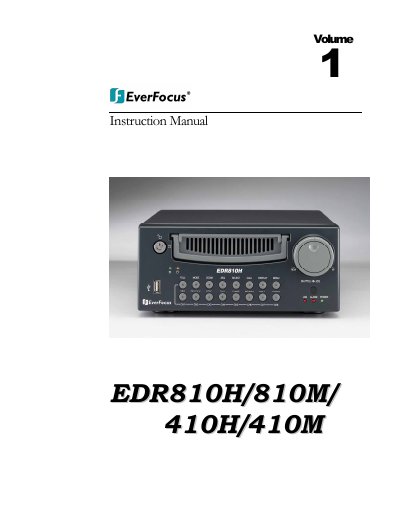
This manual introduces the EverFocus EDR series DVRs, highlighting features such as built‑in MPEG4 codec, dual‑mode recording, hot‑swap hard‑disk tray, Ethernet and optional wireless interfaces, and on‑screen menu navigation.
It then guides users through wiring, hard‑disk installation, menu configuration for time, camera, record, alarm and network settings, firmware upgrades, and troubleshooting common issues such as HDD lock, motion‑recording setup, and internet connectivity.
| Video Input | 4/8 camera inputs (BNC), 1Vp-p/75Ω |
|---|---|
| Video Output | 1 BNC video out (1Vp-p/75Ω) for Main Monitor |
| Hard Disk Storage | One hot‑swappable 3.5" IDE hard disk |
| Recording Rate | Up to 30(N)/25(P) IPS for 720×480/720×576 |
| Power Supply | DC 12 V / DC 24 V |
| Operating Temperature | 0 °C ~ +50 °C |
Refer to Chapter 9 “How to Upgrade Firmware?” in the manual for step‑by‑step instructions.
Check that motion recording is properly set up and that the hard‑disk is locked in with the keys; incorrect motion settings can limit recording time.
Verify that your ISP does not block required ports, that the correct IP address is used, and that router ports (HTTP, Control, Data) are opened as described in the Network Setup section.
Make sure the HDD is locked in with the keys and set to Master as indicated on the hard‑drive label.