
4411-0100 16-bit dynamic range, 12-bit ADCs and 256-bit ADC modules are introduced in terms of features and specifications.
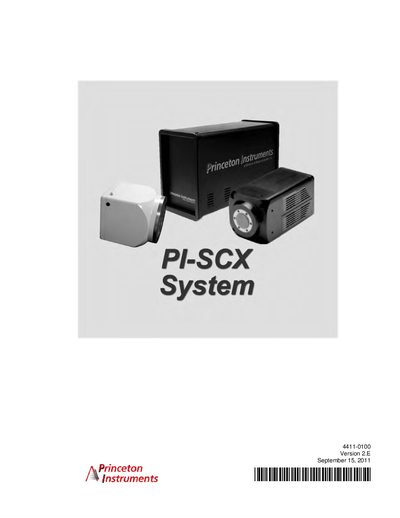
This manual describes the PI‑SCX camera system, including its components (camera, ST‑133 controller, cables, and software) and the procedures for unpacking, installing, and configuring the system on a host computer. Detailed sections cover system setup, communication interfaces, and software installation.
Additional chapters cover normal operation, advanced timing modes, and extensive troubleshooting information, along with appendices that list specifications, wiring diagrams, USB 2.0 limitations, warranty terms, and safety warnings.
| Supported camera models | PI‑SCX:1300, PI‑SCX:4096, PI‑SCX:4300 |
|---|
Refer to the "Verifying Controller Voltage Setting" section of the manual (page 28).
The manual lists a TAXI® Cable (part 6050-0148-CE) and a USB 2.0 Cable (part 6050-0494) for camera‑controller connections.