
The PRINCO DDR3-1600 DIMM board is a memory product suitable for the Asus P6X58D motherboard and Intel i7-950 3.07G CPU. It is easy to use and can be overclocked through BIOS settings. The document demonstrates the performance and stability of the product through rigorous stress testing.
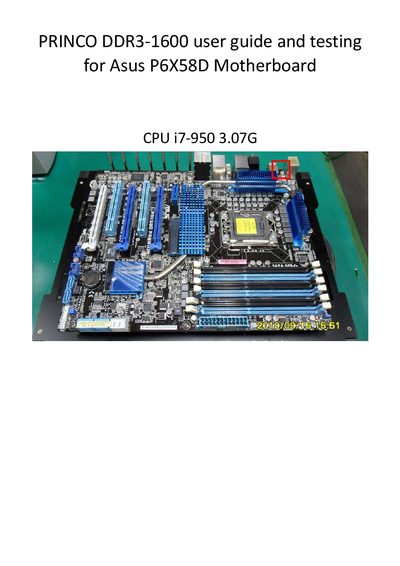
This guide explains how to configure the PRINCO DDR3-1600 DIMM board for overclocking. It walks you through clearing the BIOS, entering the Ai Tweaker or Ai Overclock Tuner menus, selecting XMP or manual profiles, and adjusting CPU ratio, BCLK, and DRAM frequency settings.
The document also includes heavy‑load testing results using MemTest, detailed timing and voltage specifications, and a table of module parameters such as size, part number, and maximum bandwidth.
| Target DRAM Frequency | 1600 MHz |
|---|---|
| Voltage | 1.50 V |
| Module Size | 2048 MB |
| Part Number | PRINCO-DR3-1é |
| Max Bandwidth | PC3-10700 |
The guide lists the timing as 7‑9‑7‑24.
Set the DRAM voltage to 1.50 V.
Select the option to clear the BIOS to the mainboard’s initial setting.